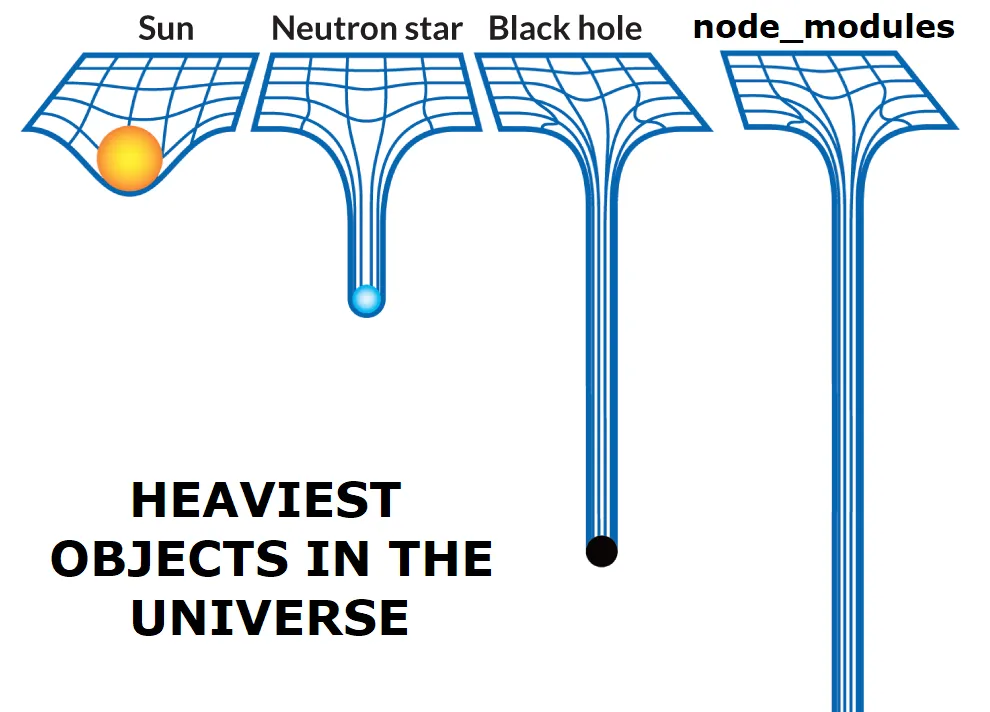
TL;DR: Every JavaScript developer accumulates stale projects with bloated node_modules folders eating up disk space. Manually finding and deleting them takes hours. NPKill is an npm tool that scans your system, lists all node_modules directories with their sizes, and lets you delete them interactively with a single keystroke. It's a quick win for reclaiming gigabytes of storage in minutes.
This is not a how-to post, rather discussion on how NPKill is
useful for developers (NodeJs or Javacript).
Why do node_modules folders take so much disk space?
Every NodeJs or Javacript developer is aware that the node modules takes up lot of space than actual code they write.
Number of projects you work on can easily increase if you are,
- Working on different projects in your org
- Trying out any new small POCs
- Cloning/forking some git repos to try it out
- Contributing to open source projects/repos
- Freelancer doing small repeatable projects
With time some projects can get stale, but they consume the a lot of space due to node_modules.
The numbers add up fast. For example, if each project's node_modules is 200 MB, then 50 old projects hold 10 GB of files you are not using.
It can get very tiring to find these folders and delete the node_modules manually. It can easily take hours.
How does NPKill clean up node_modules?
To easily tackle above problem, I found a npm library NPKill that
automates this process
"Easily find and remove old and heavy node_modules folders" — NPKill README
You don't even need to install it. Run it once with npx from the folder that holds your projects:
npx npkill
NPKill helps to list all node_module folders and you can easily navigate this list and delete the ones you dont need.
So your manual process that takes hours is reduced to just 5-10 minutes.
There is one thing to note, you have to run the command at root folder where your projects are, or in case of windows run at each drive level (ex C:/ or D:/). It searches all child folders, does not search whole file system.
You can find out how to use it here. It is very well documented.
What keys and options does NPKill have?
Inside the list, these keys work (from npx npkill --help):
| Key | Action |
|---|---|
| Space or Del | Delete the selected node_modules |
Up / Down (or k / j) | Move through the list |
o | Open the parent folder of the selected result |
e | Show the errors popup |
Useful options:
| Option | What it does |
|---|---|
-d, --directory | Start searching from a given folder |
-s, --sort | Sort by size, path or last-mod |
-E, --exclude | Skip folders, e.g. "ignore1, ignore2" |
-gb | Show sizes in gigabytes |
--dry-run | Simulate deleting without removing anything |
-t, --target | Search for another folder name instead of node_modules |
For example, list the biggest folders first: npx npkill --sort size.
Not every node_modules is safe to delete. NPKill highlights folders that belong to applications such as VS Code or Discord with a warning, because deleting them can break those apps until the dependencies are reinstalled.
Frequently Asked Questions
Is it safe to delete node_modules?
Yes. node_modules is rebuilt from package.json and your lock file. Run npm install (or npm ci) when you return to the project.
Does NPKill scan my whole computer?
No. It searches from the current folder downwards. Start it from the folder where your projects live, or pass a start folder with the --directory option.
How much space can I get back?
NPKill shows the size of every node_modules folder before you delete it, so you can see the exact number. The total depends on how many old projects you have.