Use It First. Launch It Later.
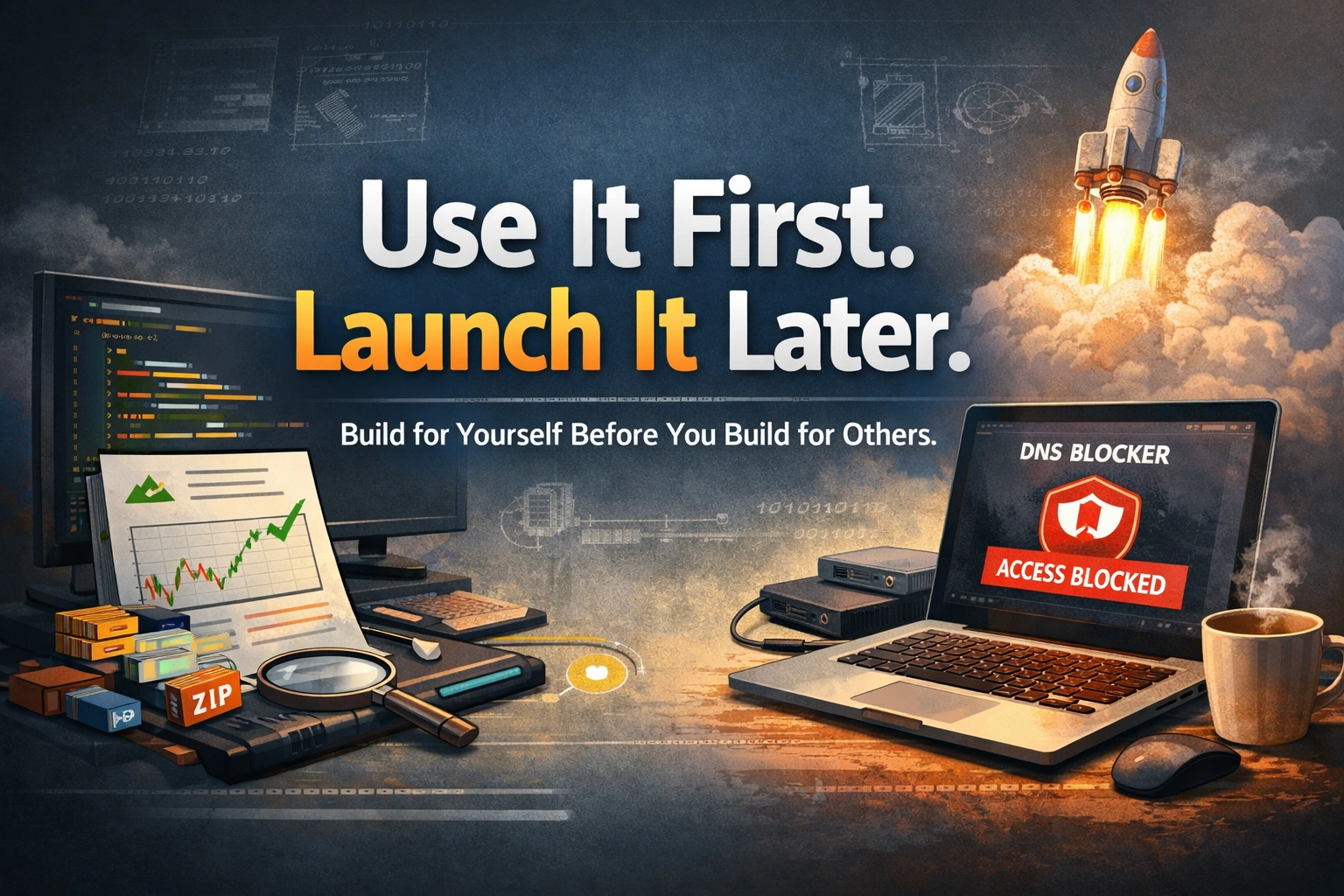
Three personal tools I built: a stock exit validator, a media compression pipeline and a doom-scroll blocker. Rule: use it first, expand only if it works.
- personal-tools
- productivity
- ai-coding
- side-projects
- beginner


Three personal tools I built: a stock exit validator, a media compression pipeline and a doom-scroll blocker. Rule: use it first, expand only if it works.


How the Claude Code browser plugin passes browser context to the CLI so you can debug cloud problems like slow database queries in one AI workflow.


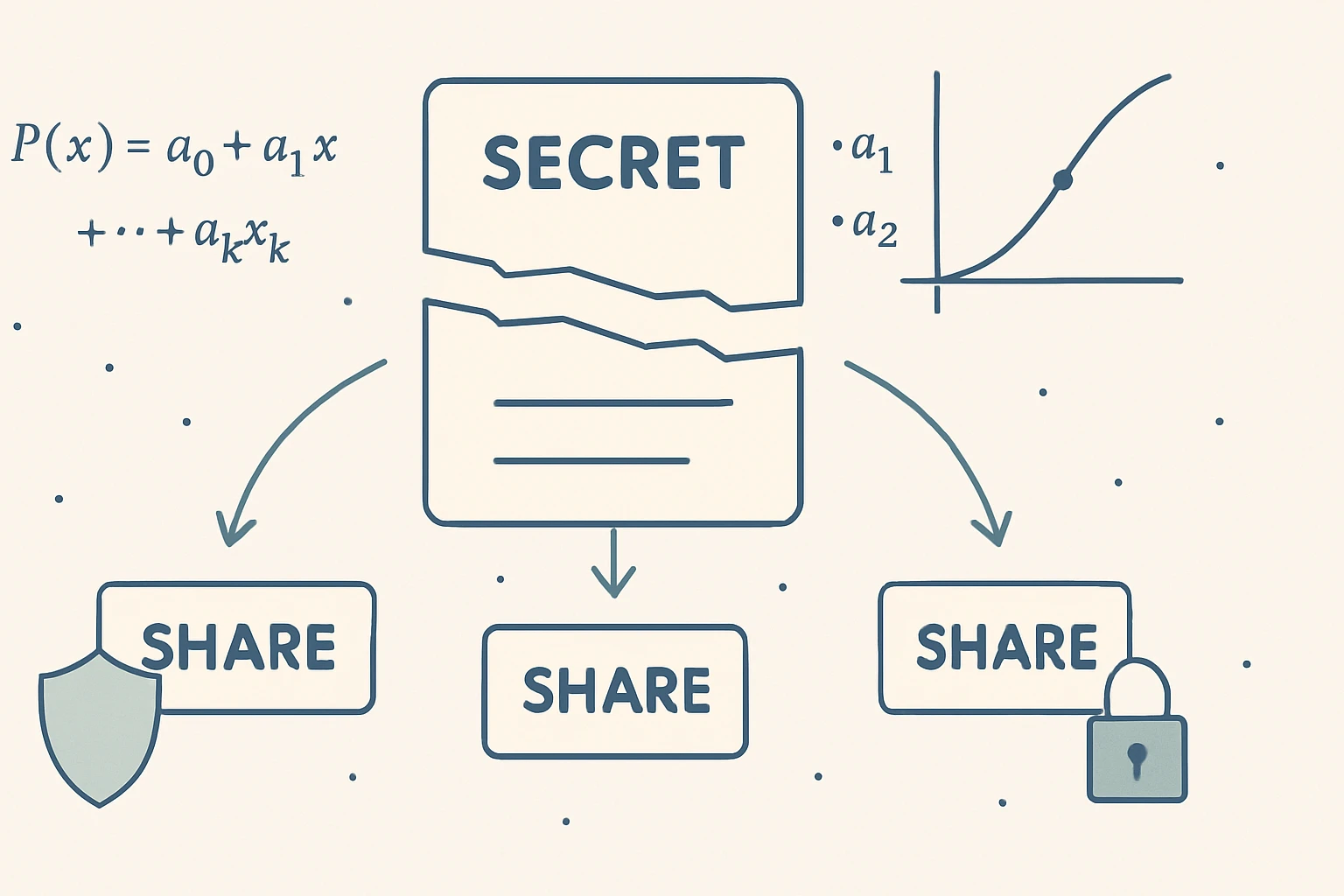
How I used Shamir's Secret Sharing to split a password into shares so I can't impulsively give in to doom scrolling, yet can still recover it.


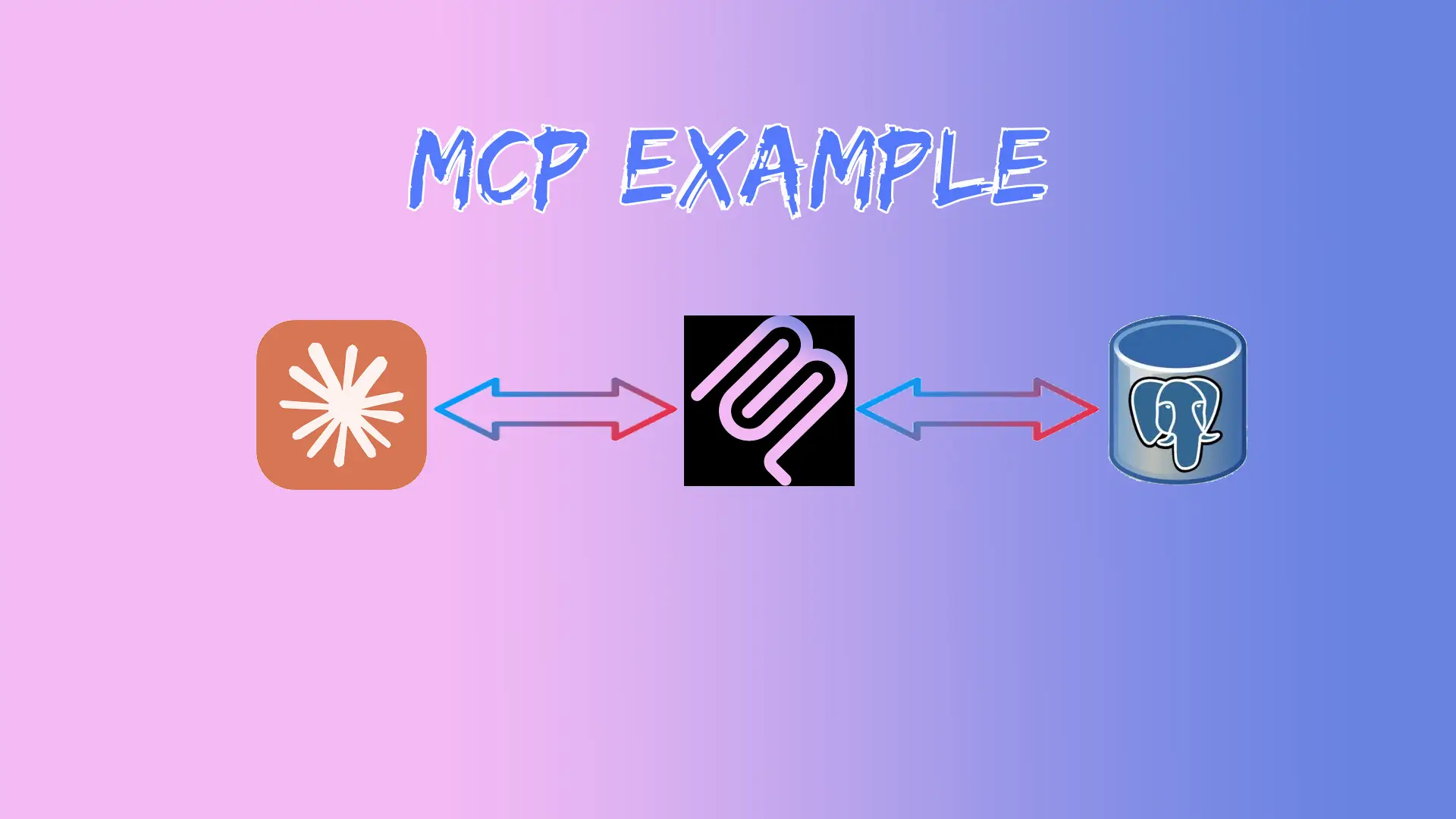
Build an MCP server in TypeScript with PostgreSQL for employee info and leave management, and connect it to Claude Desktop.


Build a Firefox extension that removes distracting elements from YouTube, a hands-on starting point for browser extension development.

How SO_REUSEADDR and SO_REUSEPORT affect running several instances on one port in Docker, and how to resolve port conflicts.


Generate Go unit tests and run them with coverage in VS Code using the Go extension's Test UI, with no boilerplate typing.


Set up Git commit, pull request, issue and release templates to save time and keep team contributions consistent, with working examples.


What .gitignore, .dockerignore and .npmignore do, when to use each, and how they keep repos clean, Docker images small and packages lean.


Use Notion as a CMS: build a static site from JSON, set up Netlify CI/CD, connect a Notion board and fetch its data at build time.


Host a single-page app on Amazon CloudFront and fix the routing errors: configure custom error responses so client-side routes don't return 403 or 404.


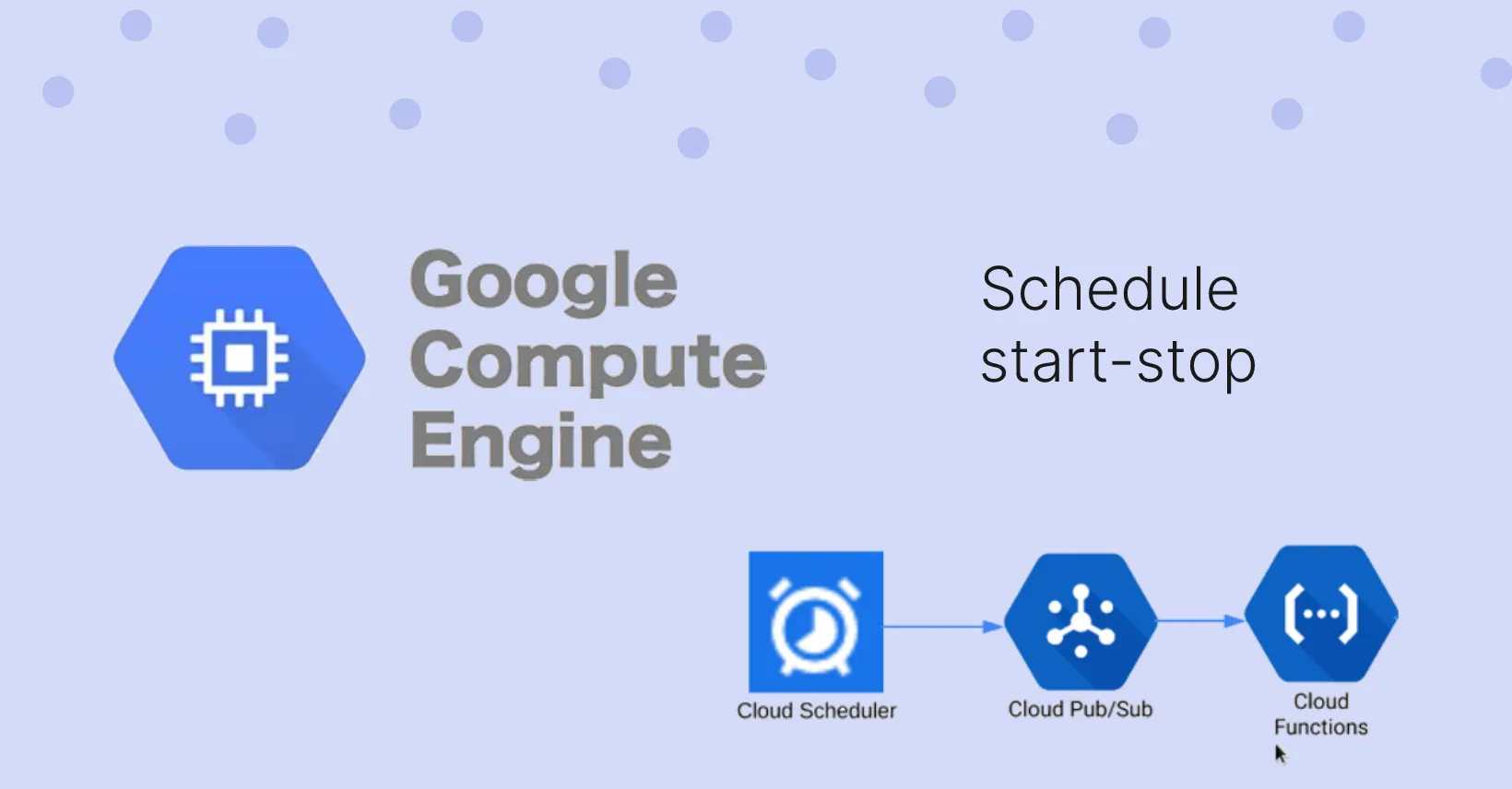
Cut Google Compute Engine costs by suspending and resuming VMs on a schedule with Cloud Scheduler, Pub/Sub and Cloud Functions.


Install Pi-hole on a Raspberry Pi to block ads for every device on your network, and set it as your router's DNS server.


Run Selenium WebDriver on a Raspberry Pi Zero W with the chromium-chromedriver package to automate browser tasks on a tiny device.


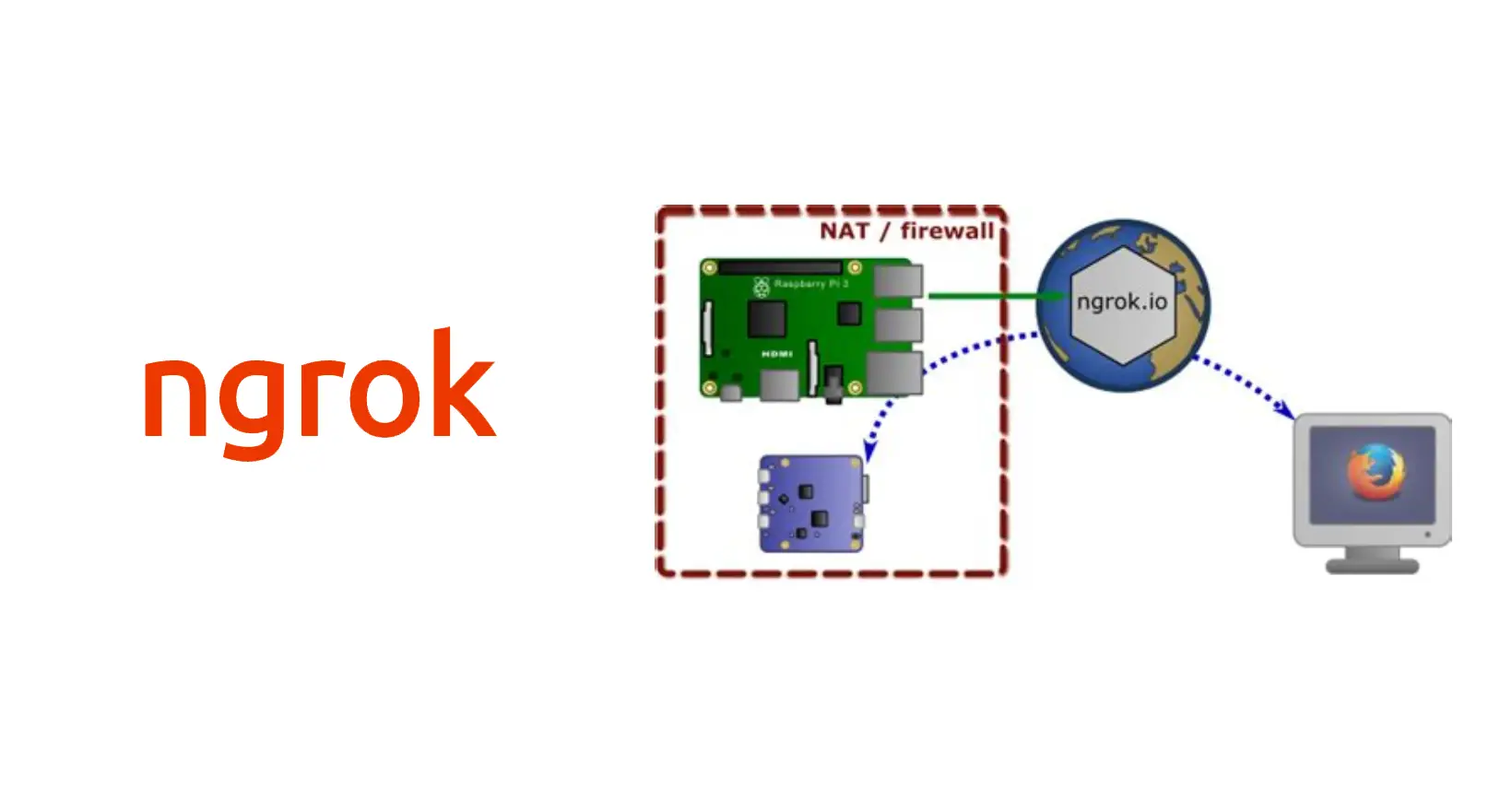
The post describes how you can access raspberry-pi from anywhere in two modes (web portal and ssh).


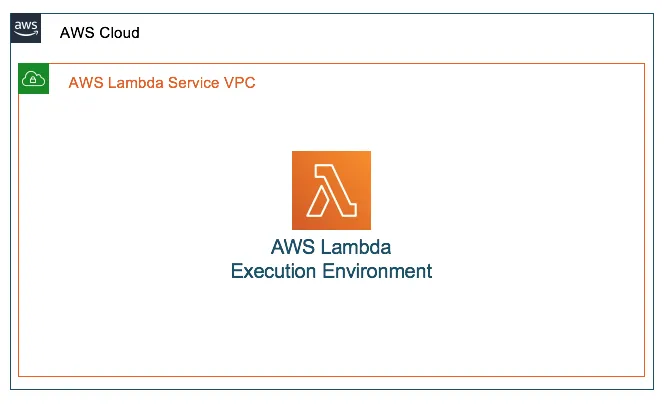
Why an AWS Lambda function loses internet access inside a VPC, and how to fix it by routing traffic through a NAT gateway in a public subnet.


How to keep your site out of Google results: use Search Console for a temporary removal, or robots.txt to block all bots, specific bots or specific pages.


What steganography is, its types (text, image, audio, video, network), a Python image example with cryptosteganography and free tools to try.


7 Slack tips for developers: shortcuts, channel groups, slash commands, muting, search, saved items, and apps and integrations.


Say goodbye to hours of manually deleting unused node modules with NPKill. This npm library automates the process and helps you save time in just a few minutes.


Automate browser-based tasks with Python's Selenium module. Learn how to control a browser with code and perform tasks with ease.


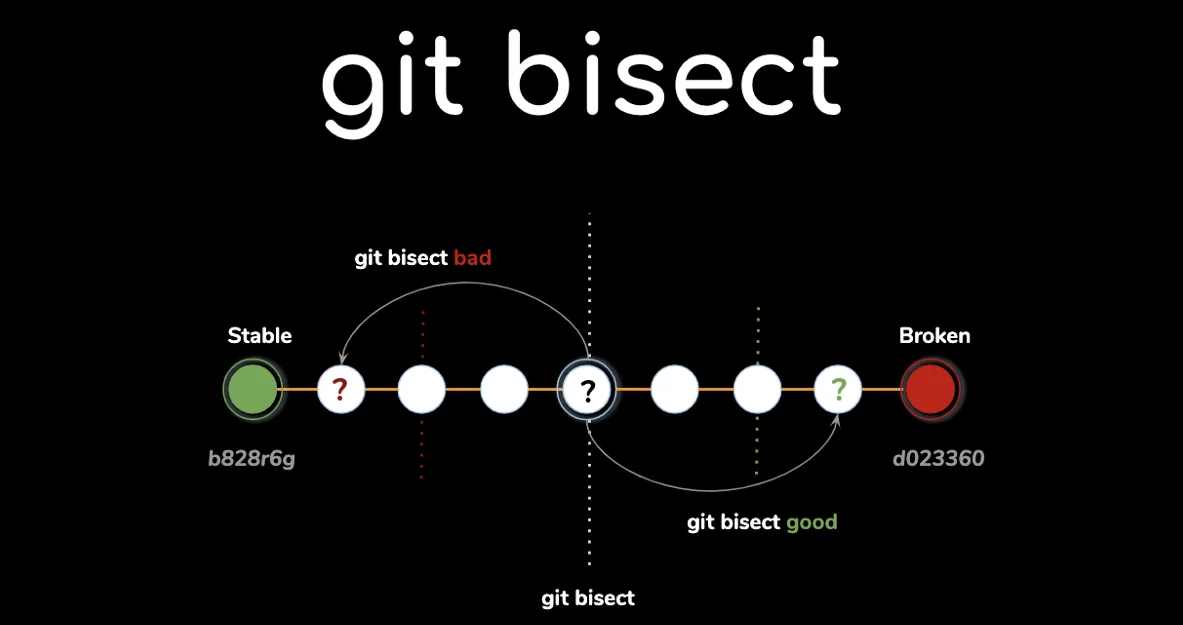
Use git bisect to find the exact commit that introduced a bug: a step-by-step example with the commands, common gotchas and how to automate it.


Discover VSCodium, a community-driven alternative to Visual Studio Code. Learn why I switched from VSCode and how to install VSCodium on Windows


Convert video to GIF in the browser with FFmpeg WebAssembly: import ffmpeg.wasm into a Vue app, load the script and run the conversion command.


Learn how to improve your website security with HTTP security headers. Discover how to get an A score for your website with the help of this beginner-friendly guide.


CORS lets a server allow cross-origin browser requests through HTTP headers. Learn how it works, the key headers, preflight, and how to fix common errors.


Build a blog with Nuxt and Tailwind CSS: create the app, add Tailblocks, write content, render posts, generate a static build and deploy to Netlify.